
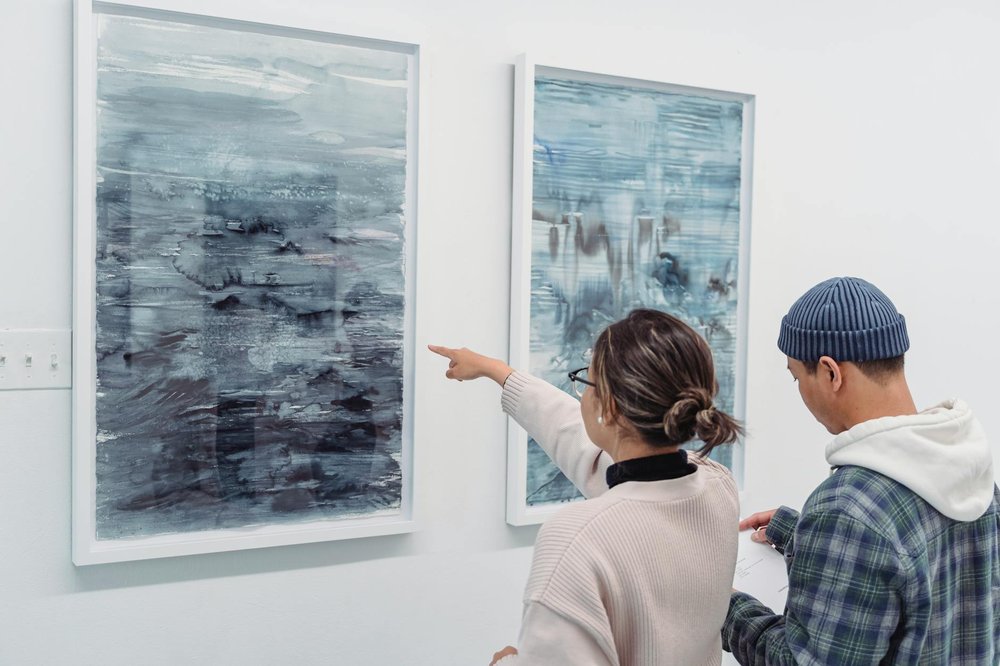
Create a piece of digital art.
🌍 Anywhere🔄 Repeatable👤 All ages
creativearttech
Use free tools like GIMP, Procreate, or even MS Paint to create something uniquely yours. Digital art lets you experiment with colors, textures, and effects impossible with traditional media, plus you can easily undo mistakes and save multiple versions.
Difficulty
20/100Easy
💰
Cost
$0 – $100
⏱
Time
half-day
👥
People
1+
🔄
Setting
either
📅
Season
any
🎒
Equipment
computer or tablet with drawing software
People who tried this
“For my first original piece of digital art, I had this image in my mind of playing with hearts, and I decided to create something that combined a pop-art style with geometric layering. [...] I started by experimenting with the symmetry tool to create a basic heart shape. My goal was to incorporate techniques I’d learned from earlier tutorials, like layering and creating colour gradients. Once I was happy with the heart, I duplicated it. Procreate allows you to group layers and duplicate them all together, so that saved me a bunch of time! [...] The central heart, which I initially wanted to make 3D, posed a challenge because it just constantly looked flat due to facing forward towards the viewer. So, I pivoted and decided to make it look somewhere between a black hole and an exploding star.”
“This was the first piece where I really messed up. I struggled with getting the wings to look right – they just weren’t matching the image I had in my mind. I kept redoing them because I wasn’t happy with the style, which was far too close to realistic for me. Eventually, I produced something that was passable from a distance. But the process involved a lot of trial and error, especially with the eraser and smudge tools, more so than in any of the previous tutorials.”
Similar challenges
Add this to your bucket list and start crossing off your goals.
Add to my bucket list