
Learn how to edit videos
🌍 Anywhere🔄 Repeatable👤 13+
techcreativelearning
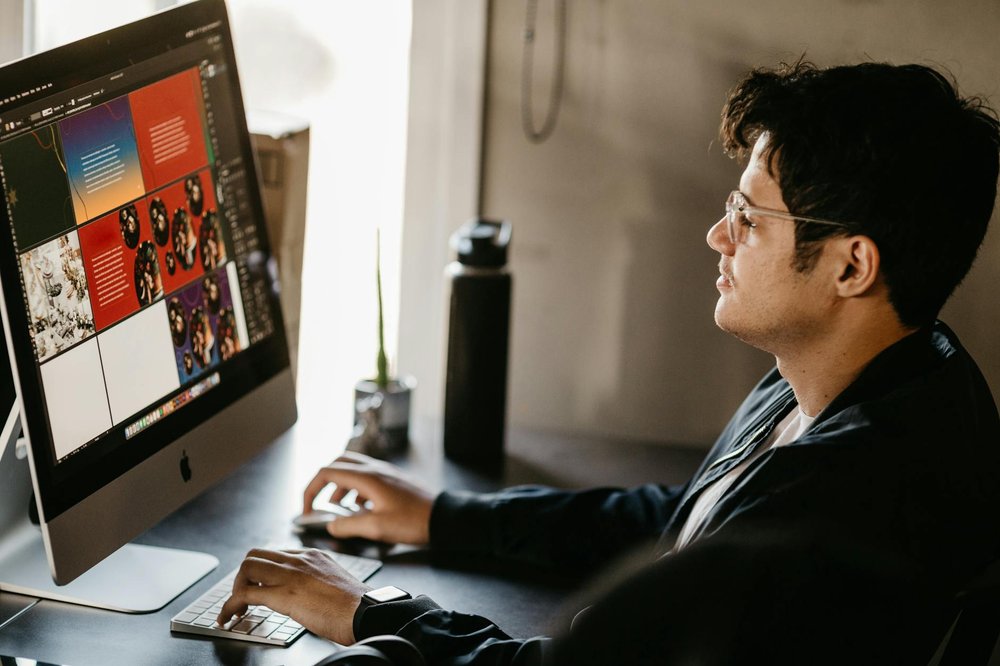
Master the art of storytelling through cuts, transitions, color grading, and sound design. Start with free software like DaVinci Resolve or iMovie, then practice with personal footage before taking on client projects or creating content for social media.
Difficulty
30/100Medium
💰
Cost
$0 – $300
⏱
Time
longer
👥
People
1–1
🏠
Setting
indoor
📅
Season
any
🎒
Equipment
computer, video editing software
People who tried this
“I have to say that it was SO much fun to shoot video, and the biggest lesson I learned is that you have to warm up first and that your first clip will be like your first pancake — it will suck, so discard and shoot it all over again. [...] Now, the thing about video is that the first time will be full of mistakes. And when you start editing, you’ll realize you can’t fix anything because you’d have to start over and the light could be different, your hair could be different, the distance from the camera could shift, etc. So it’s best to do the entire video in the same day, for the sake of consistency. Also, make sure you have everything you need. Do certain takes again just to be sure, or just go through the video before you finish shooting to see what could be improved. As I was editing, I noticed there were times where I didn’t pronounce things clearly, in which case my double takes of the same thing came in handy and saved the day.”
“I took a cup of coffee, sat in my chair, and started recording. This time I managed to record a total of 6 minutes, which for me felt like an hour. I stopped the recording, pulled out the flash card, and moved on to editing. In the past I did some basic editing for the videos I shot with my DJI drone, but nothing fancy. Nevertheless, I felt comfortable that everything will go well. The first challenge was importing the raw footage into my MacBook [...] The synch of audio and video was quite easy, but not automated. I played around with increasing the volume and adding some effects to enhance the audio experience. All went nice and easy. Cropping the footage was also easy after I learned the keyboard shortcut to do it. From the 6 minutes that I filmed, I was able to put together about 2 minutes of edited video that made it on YouTube. By the end of the editing flow, I was pleased and said to myself “This is how YouTubers do it!”.”
“My first video took me around 2 weeks to edit, but it was during exam times so I think the amount of time I spent exclusively on editing was 48 hours, which is still a really long time considering it’s not even a two minute video”
Similar challenges

Add this to your bucket list and start crossing off your goals.
Add to my bucket list